
Last updated: November 12, 2026
Key Takeaways
- A one-page AI search product trial checklist keeps setup checks, task checks, success metrics, and decision notes in one place.
- A software trial checklist should verify setup, user tasks, success measures, and the final decision.
- The checklist should move from setup to evidence to decision in a short, usable flow.
- Criteria tied to search behavior are more reliable than vendor promises.
Your AI search product trial checklist should turn a vague test into clear pass/fail evidence before the trial ends. This guide shows you how to build a checklist for how to create an AI search product trial checklist so setup, user tasks, success metrics, and review notes all fit on one page.
Build a trial checklist that people will actually use
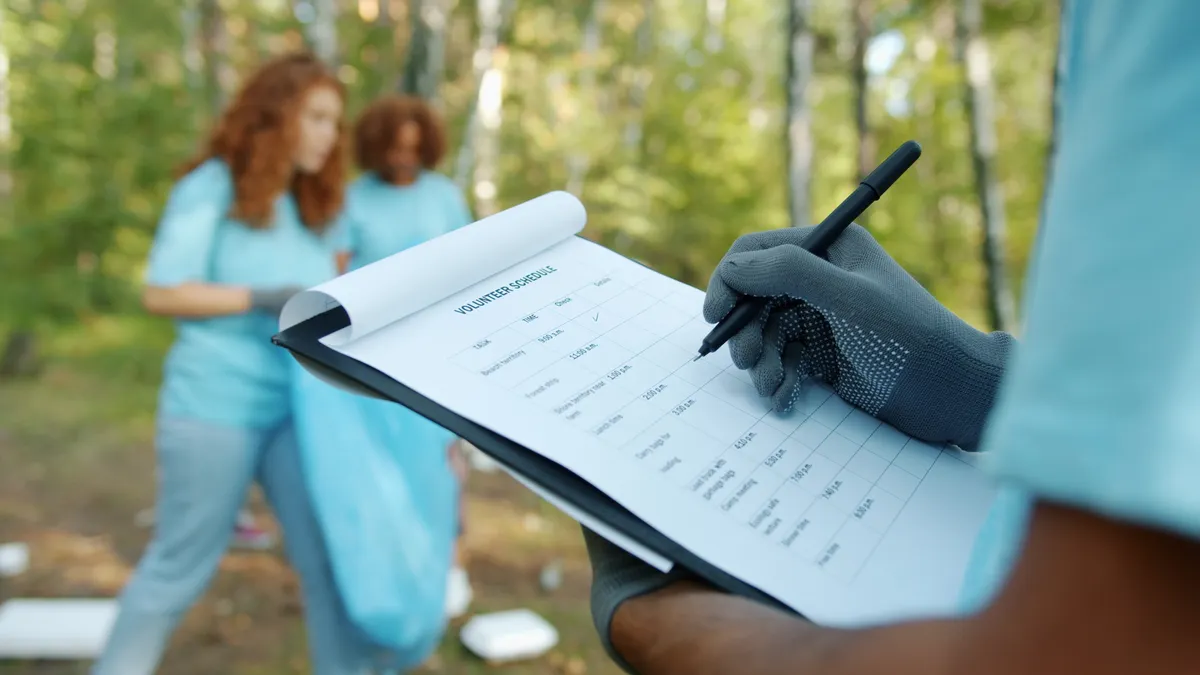
A good AI search product trial checklist is a 1-page working doc with setup checks, task checks, success metrics, and decision notes. If it takes 15 minutes to read, people will keep it open; if it takes 45, they will stop using it.
Picture this: you have a vendor trial open, three stakeholders asking different questions, and a deadline in 10 days. The checklist stops the trial from drifting into “looks good” comments with no proof. It gives each person a place to mark what they checked, what failed, and what still needs a fix.
Start by writing the checklist for the buying team, not the vendor. That means the items should reflect your data, your users, and your rollout path. A generic template will miss the things that matter most: your search sources, your permissions model, your content types, and the search tasks people actually do.
Use one page if you can. If you need more, split the checklist into three parts: setup, evaluation, and decision.
That keeps it usable.
- Setup: data connected, indexing confirmed, permissions in place
- Evaluation: task list, scoring rules, review dates
- Decision: notes, blockers, go/no-go call
If the checklist cannot be scanned in under 2 minutes, it is too long for a trial.
What should be on a software trial checklist?
A software trial checklist should cover setup verification, user tasks, success metrics, and final decision notes. Those four pieces are enough to tell whether the trial worked without turning the page into a project plan.
Picture this: the product is installed, but search results are missing key content or showing the wrong access level. A checklist catches that before the team starts judging the search quality itself. It separates “the setup is broken” from “the product is weak,” which is a big difference.
Put these items on the checklist:
- Product setup
- data sources connected
- crawl or sync completed
- permissions mapped
- key content types included
- User tasks
- top 5 to 10 search queries
- expected result for each query
- who runs the test
- where the result is recorded
- Success metrics
- result relevance
- time to answer
- zero-result rate
- user confidence
- Decision notes
- blockers
- open questions
- rollout risks
- final recommendation
Add one line for each item, not a paragraph. The point is to make the trial easy to score in the moment, not after the fact.
How do you structure the checklist step by step?

You structure the checklist by moving from setup to evidence to decision in one short flow. That order keeps the trial honest: first confirm the product is ready, then test real work, then write down what you saw.
Picture this: you are building the checklist in a spreadsheet or doc and need a clean path through the trial. Use numbered steps so the team can follow the same order, even if they do the work on different days.
- Define the goal — name the one thing the trial must prove, such as better findability for internal docs or faster answers for support search. The result should be a goal a buyer can repeat in one sentence.
- List the setup checks — record the data sources, login method, permission model, and indexing status. This tells you whether the trial is ready to judge.
- Write the user tasks — choose 5 to 10 real searches people run often, and include the expected answer or document type for each one. That keeps the test tied to daily work.
- Set the scoring rule — decide how each task will be marked, such as pass, partial, or fail. A simple scale works better than a 1-to-5 score if the team is new to trials.
- Assign owners — name who checks setup, who runs the tasks, and who signs off on the decision. One owner per step avoids drift.
- Add review milestones — schedule a mid-trial check and a final review, even if the trial is only 14 days long. That gives the team a chance to fix setup issues before the end.
- Capture decision notes — leave space for risks, missing features, and open questions. These notes matter more than a polished demo.
The truth is, the checklist only works if it is short enough to use while the trial is live. If it needs a meeting just to fill it out, it is already too heavy.
Which evaluation criteria belong on the checklist?
The evaluation criteria on an AI search product trial checklist should be tied to search behavior, not vendor promises. A trial should prove whether the product helps people find the right answer fast, on the right content, with the right access.
Picture this: a search tool returns a lot of results, but half of them are wrong, stale, or blocked by permissions. The product may look strong in a demo and still fail the trial. That is why the checklist needs criteria that reflect real search work, not a feature list.
Use criteria that a stakeholder can check without guessing:
- Relevance
- Do the top results match the query?
- Does the best answer appear near the top?
- Coverage
- Does the system search the sources that matter?
- Are important file types and knowledge bases included?
- Access control
- Do users only see content they should see?
- Do restricted items stay hidden?
- Speed
- Does the result appear fast enough for daily use?
- Does the system stay responsive during normal search sessions?
- Explainability
- Can the team tell why a result ranked where it did?
- Can admins tune sources or ranking rules when needed?
Do not overload the checklist with 20 criteria. Five or six is usually enough for a trial. If you need more, the trial scope is too wide.
How to choose success metrics that are useful
Choose success metrics that show whether the product saves time, reduces search misses, or supports confidence in the results. Metrics should be simple enough to compare across reviewers and specific enough to guide a decision.
A practical trial checklist often includes these:
- time to find the right answer
- number of failed searches
- number of zero-result queries
- number of searches that required a second try
- reviewer confidence in the top result
A metric is useful only if the team can record it in the same way every time. If one person calls a result “good” and another calls it “usable,” the checklist has already lost precision.
How do you run the stakeholder review?
You run the stakeholder review by getting each reviewer to score the same 5 to 10 tasks on the same day or in the same 48-hour window. That gives the review enough consistency to compare notes without dragging the trial out.
Because setup is already confirmed, the stakeholder review can focus on whether the search experience works for different roles. Picture this: search quality looks fine to the product team, but support and operations have different standards. A stakeholder review makes those differences visible before the final call. It also stops one loud opinion from drowning out the rest of the evidence.
Use a simple review pattern:
- First review: confirm setup and permissions
- Second review: score user tasks
- Third review: compare notes and flag blockers
- Final review: decide go, no-go, or retry
Keep each review short. Thirty minutes is usually enough for a checkpoint if the checklist is already filled in. Longer meetings tend to turn into product demos, and the trial starts drifting again.
Assign each stakeholder a role:
- one person checks technical setup
- one person runs the search tasks
- one person records business fit
- one person owns the final decision note
If the same person does all four, the trial can miss obvious gaps. That is a bad sign.
What mistakes make an AI search trial checklist fail?
The biggest mistakes are making the checklist too vague, too long, or too vendor-shaped. A checklist that cannot support a decision is just paperwork.
Picture this: the team writes “improve search quality” at the top, then fills the page with feature notes, demo comments, and open questions. At the end of the trial, nobody can say what passed or failed. That usually means the checklist asked for opinions instead of evidence.
Common mistakes and what they cost:
- Too many items — people skip the checklist, and the trial loses discipline.
- No real queries — the product looks better than it is, because nobody tested daily work.
- No setup gate — search is judged before indexing or permissions are ready.
- No reviewer names — no one owns the result, so the final decision slips.
- No decision notes — the team forgets why it leaned yes or no.
Fixes are simple: trim the list to the core tasks, use real queries, and add a place for dates, names, and a final verdict.
A tight checklist also helps the vendor. It shows exactly what needs to improve, instead of forcing them to guess from scattered feedback.
What does a finished AI search product trial checklist look like?
A finished AI search product trial checklist is a short document with three visible layers: setup, test tasks, and decision notes. That structure lets the team move from readiness to proof to action without hunting through emails.
Picture this: the trial is over and the team needs one page to answer, “Did this work for us?” The checklist should already hold the answer. If it does not, the page was not specific enough.
A clean version usually includes:
- trial name and dates
- goal of the trial
- setup verification items
- list of real search tasks
- scoring scale
- reviewer names
- review milestone dates
- decision summary
- next steps
That is enough for most buying teams. If the trial is enterprise-wide, you may need a second sheet for source coverage or rollout notes, but the main checklist should still stay simple.
Link the checklist to the broader AI search product evaluation and onboarding process so the trial does not sit in a silo. The checklist is one part of the buyer journey, not the whole thing.
The verdict: if the checklist helps a team decide in one read-through whether the product is ready for deeper review, it is doing its job.
What should be on a software trial checklist?
A software trial checklist should include setup checks, real user tasks, success metrics, and a decision field. That mix shows whether the product is ready, useful, and worth a next step.
Do not leave it at feature names or demo notes. A good checklist turns trial time into proof, not guesswork. If the team cannot score it the same way across reviewers, the checklist needs to be shorter and clearer.
How do you know if a trial is successful?
A trial is successful when the product meets the goal you wrote at the start and the review notes support that call. The best sign is not excitement; it is a clear pattern across the task scores, setup checks, and stakeholder feedback.
If the team can point to the same strengths and the same blockers, the trial produced useful evidence. If the notes are vague or split in every direction, the checklist needs better criteria next time.
Who should own the trial success checklist?
One person should own the checklist, even if several people fill it in. That owner keeps dates, scores, and notes in one place and makes sure the final decision is written down.
The most practical owner is usually the person running the evaluation process, not the vendor contact. If no one owns it, the checklist becomes a shared file nobody trusts by the end of the trial.
Drafted with AI; not yet reviewed by a person.