Last updated: November 13, 2026
Key Takeaways
- AI search visibility depends on clear topic focus, stable URLs, and readable page structure.
- Strong pages should stay close to their original form, even when the template changes.
- Map each old URL to one best new URL before launch to protect topic coverage.
- Preserve the meaning of title tags, headings, and meta descriptions, even if the wording changes.
A website redesign can wipe out AI search visibility if it changes the pages, signals, or links that AI systems already trust. To preserve AI search visibility during a website redesign, keep the content, URLs, headings, and metadata that explain each page before you touch the design. The steps below show what to protect, what to change, and what to check before launch.
What AI systems need from a redesign
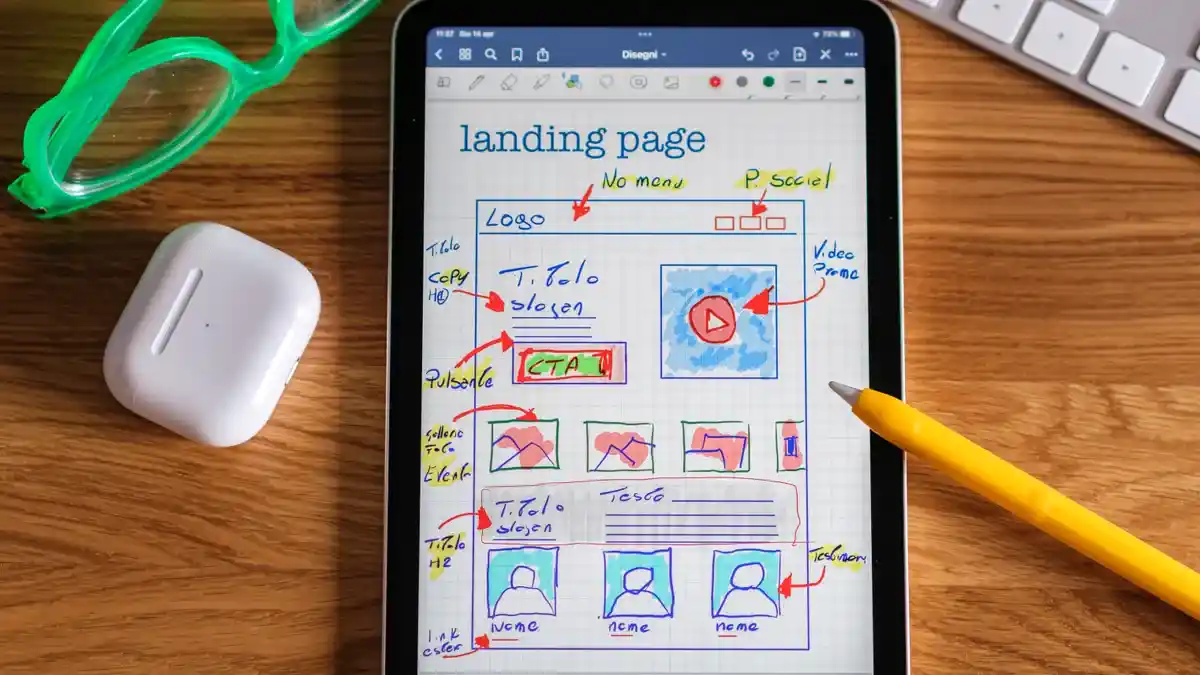
AI systems need the same page signals a human reader uses: clear topic focus, stable URLs, and readable structure. If a redesign turns a page into a prettier shell with thinner copy, weaker headings, or missing internal links, that page can lose the context that made it useful in search.
Picture this: you’re approving a new layout, and the homepage looks great on a mockup. The real question is whether the page still says the same thing to a crawler, a search summary, and a reader. The answer lives in the page signals, not the colors.
That means the redesign has to protect content retention, url mapping, template changes, metadata preservation, and launch checks. If those five pieces hold, AI search visibility has a chance to survive the refresh.
- Keep the main topic on the page.
- Keep the page at the same URL when possible.
- Keep headings tied to the same subject.
- Keep title tags and meta descriptions aligned.
- Keep internal links pointing to the same important pages.
On the flip side, a redesign that only thinks about visuals can cut the text that earned visibility in the first place. That is where pages disappear from AI answers.
Which pages should stay almost unchanged?
High-value pages should stay close to their old form, even if the template changes around them. If a page already ranks, gets cited, or answers a narrow topic well, the redesign should not turn it into a new page in disguise.
Picture this: you have a product, service, or guide page that brings in steady traffic, and the new design team wants every page to look identical. That can be a trap. The strongest pages usually need continuity, not a total rewrite.
Use this quick triage before design work starts:
- Pages with strong search traffic
- Pages that answer a specific question
- Pages with lots of internal links
- Pages with backlinks from other sites
- Pages that are part of a topic cluster
Now, you might be wondering how close is “almost unchanged.” A practical rule is to keep the main intent, core headings, and most of the substantive copy intact unless you have a clear content plan. If a page is 1,500 words now, don’t chop it to 300 words because the new template feels cleaner.
One helpful move is to mark these pages in a spreadsheet before the redesign. Include URL, page type, current title tag, H1, key H2s, and whether the page must stay live at the same address. That gives the team a 5-field map instead of a guess.
The truth is, AI search does not reward a nice-looking shell with no depth. It rewards pages that still explain the topic after the design changes.
How do I keep URLs and redirects from breaking topic coverage?
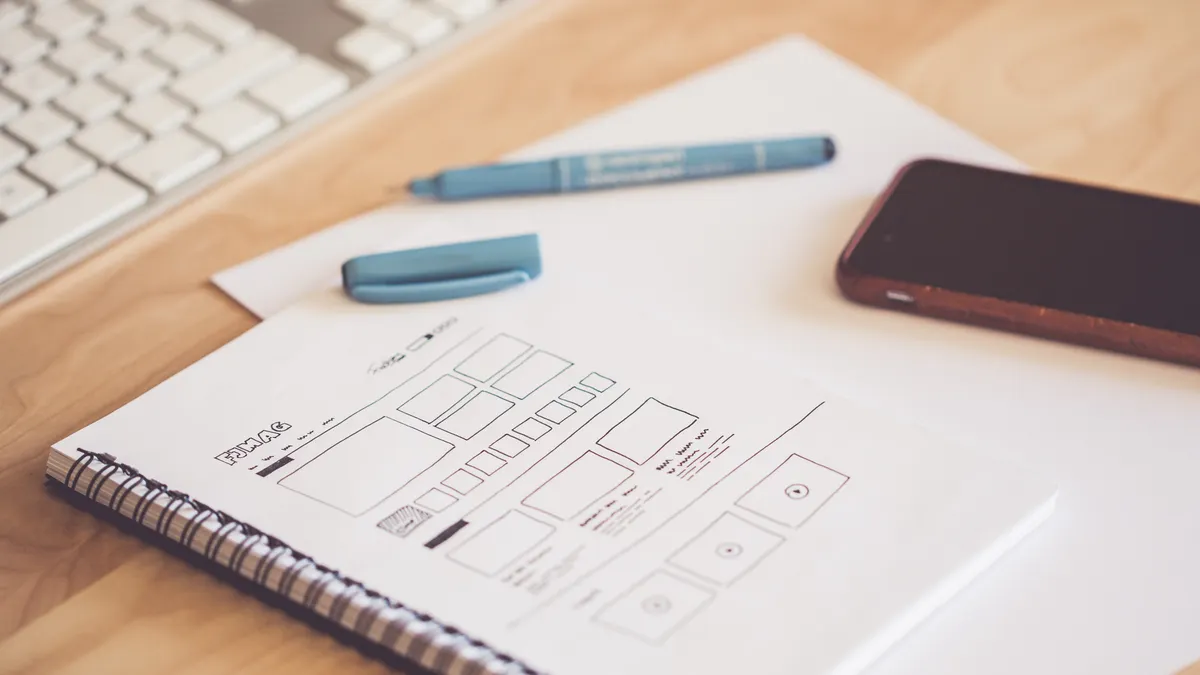
You keep topic coverage intact by mapping every old URL to a single best new URL before launch. If a page moves, the redirect should preserve the topic relationship, not just send everything to the homepage.
Picture this: your old site has 120 URLs, and the new sitemap has 118. A few pages have merged, a few have changed slugs, and a few were removed. That is normal, but the mapping has to be exact.
Use this procedure before launch:
- Export every current URL, title tag, and H1 from the old site.
- Match each old URL to one new destination, even if the content is merged into a larger page.
- Keep the redirect target as close as possible in topic and intent.
- Avoid redirect chains; one hop is cleaner than two or three.
- Leave no orphan URLs behind without a planned destination.
A redirect that sends an article about pricing to a generic blog index weakens the signal. A redirect that sends it to the new pricing page keeps the subject connected. That difference matters because AI systems read relationships across the site, not just single pages.
Here’s the catch: a correct redirect map is not the same as a technical cleanup list. It is a content map. If two old pages become one new page, the new page has to carry the merged subject well enough to replace both. If not, you have created a hole.
Use a crawl tool and a spreadsheet together. The crawl catches the URLs; the spreadsheet tells you what each URL means.
What should I preserve in titles, headings, and meta descriptions?
You should preserve the topical meaning of title tags, heading structure, and meta descriptions even when the wording changes. These elements are small, but they are often the clearest clues AI systems get about what a page is for.
Picture this: the old page had a title tag that named the exact problem, but the new design team wants something brand-led and vague. That sounds polished in a meeting and useless in search. Keep the search meaning first.
Focus on three elements:
- Title tags: keep the main query or topic in plain language.
- Heading structure: keep one clear H1 and a logical H2 sequence.
- Meta descriptions: summarize the page’s promise, not the brand story.
If the original page has a clear H1 and three supporting H2s, do not flatten them into a decorative layout with one generic heading and a pile of accordion panels. AI systems still need readable structure. A page with a strong H1 and nested headings gives them a cleaner path than a block of unlabeled sections.
A useful check is to compare old and new versions side by side. Ask whether the page still answers the same search intent in the first 100 words and whether the H2s still support that intent. If the answer is no, the redesign has changed the page’s meaning, not just its appearance.
The strongest move is usually not to keep the exact same wording. You do need to keep the same subject, tone, and hierarchy. That is what preserves recognition.
What content changes help, and what changes hurt?
Content changes help when they improve clarity without changing the page’s purpose. They hurt when they remove the words, terms, or sections that made the page relevant in the first place.
Picture this: you’re refreshing a page that explains one narrow topic, and someone suggests replacing the detailed section with a short branded intro. That saves space and loses search value. Shorter is not better if it erases the answer.
Make these changes carefully:
- Keep high-value text blocks unless they are outdated.
- Add missing detail only where the page has a real gap.
- Remove duplication across the site, but not the only copy that covers a topic.
- Keep key terms users actually search for in the body copy.
- Retain examples, steps, and definitions that do the real work.
If a redesign also includes a content rewrite, consider treating it as a separate project and consult a professional if the stakes are high or the page has YMYL implications. Design and content should not be rewritten at the same time without review. Otherwise, you won’t know whether a traffic change came from the new layout, the new copy, or both. For general guidance on content quality and search visibility, see Google Search Central’s Search Essentials and helpful content guidance.
A common mistake is cutting long-form pages because they look heavy. That can work for some pages, but not for pages that win because they answer a topic fully. Another mistake is replacing text with images, tabs, or accordions that hide the main answer from crawlers and users.
Use plain text for the main explanation whenever possible. A visible paragraph is safer than text trapped in a visual element that only appears after a click.
Which internal links matter most during a redesign?
The internal links that matter most are the links pointing to your strongest topic pages and the links those pages use to explain their place in the site. If those paths break, the redesign can isolate pages that used to be well connected.
Picture this: a page used to sit inside a cluster with four supporting articles, and the redesign removes two of those links from the template. The page may still exist, but it now has less context. That loss can matter fast.
Protect these link types:
- Navigation links to core topic pages
- In-body links between related articles
- Breadcrumb links that show hierarchy
- Footer links to evergreen pages
- Links from high-authority pages to key conversion or guide pages
A redesign often changes global navigation, sidebars, or footer modules. That is where trouble starts. If a page was receiving internal authority from the old menu or related-content block, replacing that module can weaken the page’s position.
The fix is simple in concept and hard in execution: trace the old link graph before launch. Then compare it to the new one. Pages that were linked from multiple places should not become buried three clicks deep with no support.
You should also check anchor text. A link that used to say “AI search content redesign checklist” and now says “learn more” gives less context. The page can still be linked, but the signal is weaker.
A cleaner link map is not about stuffing more links everywhere. It is about keeping the site’s topic map legible. For more on that, see the related AI search site migrations and redesigns page and the site architecture checklist resource.
What launch checks protect AI search visibility?
Launch checks protect AI search visibility by catching broken signals before the new site goes live. The launch is where redesigns usually lose pages, because the design passes review while the search signals fail in production.
Picture this: the new site is ready, the visuals are approved, and the team wants to move fast. That is the moment to slow down. A 30-minute check can save months of cleanup.
Run this launch checklist:
- Crawl the staging site and compare it to the live site.
- Confirm every redirect goes to the right destination.
- Check that title tags, meta descriptions, and H1s are present.
- Review the top 20 high-value pages one by one.
- Confirm internal links still point to the right live URLs.
- Spot-check canonical tags, noindex tags, and pagination settings if the site uses them.
- Re-crawl after launch to catch broken links and missing pages.
You do not need a giant audit to catch the biggest mistakes. You do need a disciplined one. The problems that matter most are usually boring: a missing redirect, a swapped H1, a page dropped from navigation, or a content block removed from the template.
If the redesign includes a CMS switch, a new theme, or new page components, check more than the front end. Search systems read what the browser receives. If the content only appears after a script runs poorly, the page can look fine to the team and thin to the crawler.
For deeper guidance on site migration planning, the hub on AI search site migrations and redesigns is the right companion page. This article stays focused on the redesign decisions that change how AI systems read and surface your pages. See also Google Search Central’s site move guidance and URL inspection tool documentation.
The mistake most redesigns make
The biggest mistake is treating the redesign as a visual project instead of a search-signals project. That mistake costs relevance, because AI systems do not care that the new site looks cleaner if the old pages no longer say what they used to say.
Picture this: the brand team loves the new homepage, but the pages that used to answer high-value questions are now lighter, flatter, and harder to understand. That is how visibility slips away without a single dramatic failure. The loss is quiet.
Avoid these traps:
- Rewriting every page at once
- Changing URLs without a mapping
- Removing headings that explain the topic
- Hiding key copy in tabs or graphics
- Breaking internal links during template changes
The better approach is selective change. Keep the pages that already work, improve the ones with clear gaps, and make sure the new design still presents the same topics in a crawlable way. That is how you preserve AI search visibility without freezing the site in place.
What changes in a redesign can hurt AI search visibility?
Changes that alter page meaning, URL structure, or internal links can hurt AI search visibility. A new layout alone is rarely the issue; the problem is usually content loss, weaker headings, missing redirects, or pages becoming harder for crawlers to understand.
How do I keep high-value pages intact during a redesign?
Keep the page’s URL, core copy, title tag, H1, and key internal links as close to the old version as possible. If the page must change, preserve the same topic and intent, and move it to one clear redirect target instead of scattering its signals.
Should AI search pages be rewritten during a redesign?
Only the pages that need it should be rewritten. Pages that already perform well should usually be edited lightly, because a full rewrite can erase the exact wording and structure that helped them surface in AI search.
Drafted with AI; not yet reviewed by a person.