Last updated: November 13, 2026
Quick Answer: To check how to check whether a page can be crawled by AI answer engines, run 7 checks: response code, redirects, robots.txt, meta robots, raw HTML, rendered DOM, and blocked resources.
Key Takeaways
- A page is crawlable when a bot can fetch it, get usable content, and avoid blocks.
- Check the URL at the server, HTML, and rendering layers, in that order.
- The code alone is not enough, but it shows where access stops.
- If the answer text exists only in client-side code, crawlability becomes risky.
A page can be crawled by AI answer engines only if robots.txt, HTTP status codes, meta robots tags, and rendering do not block access to its content.
This guide shows the checks that settle the question fast for how to check whether a page can be crawled by AI answer engines.
It also covers common crawlability traps such as blocked resources, JavaScript rendering, and pages that return a 200 status but still hide the text; for complex cases, consult a technical SEO professional and verify against Google Search Central and the robots exclusion standard.
What “crawlable” means for AI answer engines
How to check whether a page can be crawled by AI answer engines starts with this: a page is crawlable when a bot can request it, receive a usable response, and extract the main content without hitting a block. That sounds simple, but the page can still fail at three layers: access, rendering, and content visibility.
Picture this: you’ve published a page, it loads fine in your browser, and yet an AI answer engine still treats it like a blank sheet. The browser is not the test. The server response, the HTML, and the rendered output are.
To check crawlability, you need to know whether the page is generally reachable by bot requests, allowed by robots.txt, returning a sane HTTP status code like 200, 301, 302, 403, or 404, exposing indexable text in the raw HTML or rendered DOM, free of blockers in meta robots tags, and not hiding critical content behind scripts that never render for crawlers.
The key point is this: a page can be technically reachable and still be useless to an AI answer engine. That’s the difference between “can fetch the URL” and “can understand the page.”
The same mental model used in technical SEO is the best place to start, and this page sits inside the site’s AI search technical foundations hub for that reason. Here, the job is not theory. It’s diagnosis.
How do I test if a page is crawlable?
How to check whether a page can be crawled by AI answer engines starts with the URL at the server, HTML, and rendering levels, in that order. Start with the response code, then inspect the page source, then compare it with the rendered version in a browser tool.
Picture this: you have one URL and 10 minutes. You want to know whether a crawler sees the page or bounces off it. The fastest path is a short sequence of checks that shows where the break happens.
- Request the URL directly with a browser, curl, or a crawler simulator. Look for the response code first. A 200 usually means the page is reachable; 301 and 302 mean a redirect chain; 403 means access is denied; 404 means the page is missing.
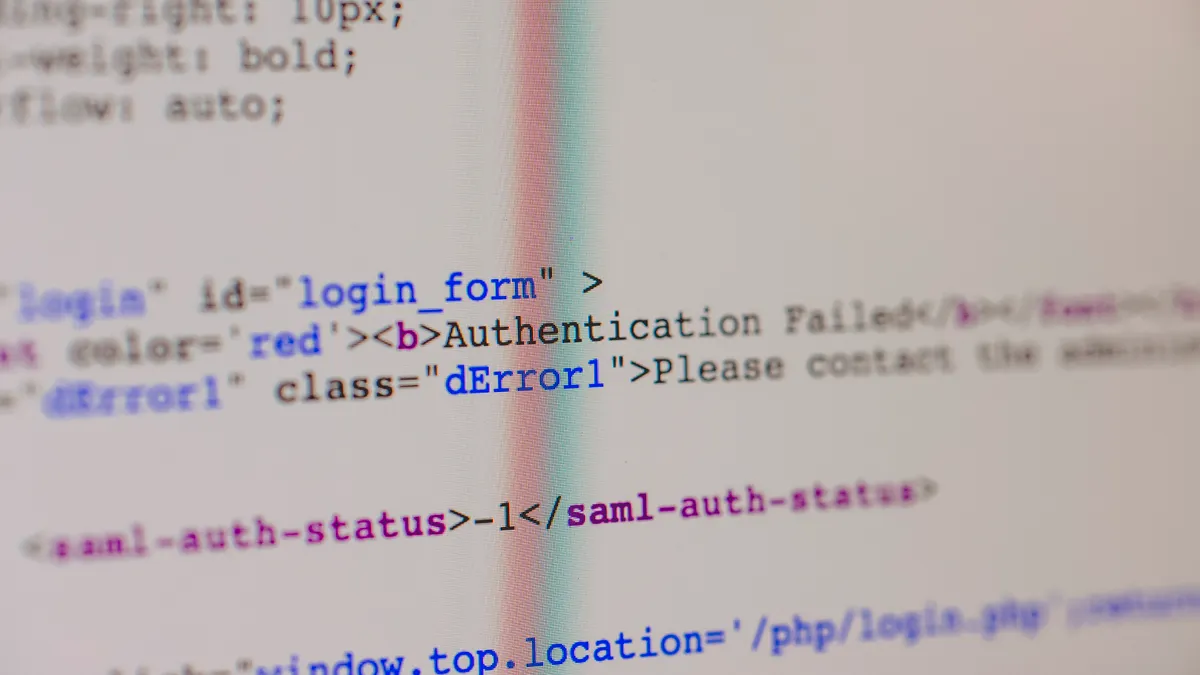
- Open the raw HTML source. Search for the main text, title, and headings. If the content is missing here, a bot that does not render JavaScript may miss it too.
- Check
robots.txt. If the path is disallowed, a crawler may not fetch it at all, even if the page opens in a browser. - Inspect the
<meta name="robots">tag in the head. Anoindexdirective tells many crawlers not to index the page;nofollowchanges link crawling behavior. - Compare raw HTML with rendered HTML using a headless browser test. If the rendered version shows the content only after scripts run, some answer engines may still struggle if they do not execute the same script path.
- Look for blocked resources such as CSS, JavaScript, or API calls that the page needs to display content. If those assets are blocked, rendering can fail even when the HTML loads.
A practical check is to ask: can a bot see the main answer text within the first response, or does it need scripts, cookies, or logins to get there? If it needs extra steps, crawlability gets weaker.
Quick checks that expose the real problem
- 200 + visible HTML text: usually the best sign
- 200 + empty shell HTML: likely JavaScript-dependent
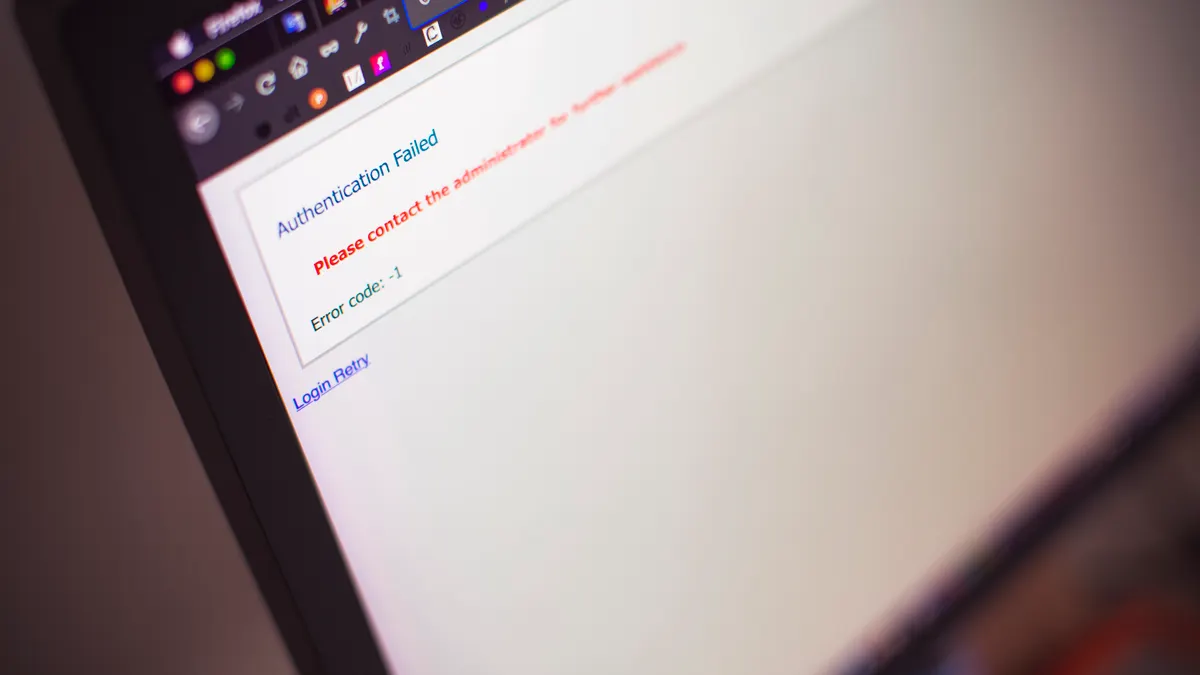
- 403 or 401: access is blocked
- 302 to login or consent page: the crawler may never reach the content
- Disallowed in robots.txt: many crawlers will stop before fetch
noindexpresent: the page may be crawlable but not indexable
If you only do one thing, inspect the HTML source before you inspect the visual page. That move catches a surprising number of false positives.
Which response codes tell me the page is blocked?
A page is often blocked when it returns 403, 401, 404, or a redirect to a gate page, while a plain 200 usually means access is open enough to inspect further. The code is not the whole story, but it tells you where the road ends.
Picture this: you type the URL into a bot checker and get a clean page in your own browser. That can hide a failure behind the scenes. A crawler may see a different status code, a challenge page, or a redirect loop that a human never notices.
Here’s how to read the common codes in crawlability checks:
- 200 OK: the server delivered the page. This does not guarantee the content is crawlable; it only means the request succeeded.
- 301 Moved Permanently: the page has moved. Crawlers usually follow it, but long chains waste crawl budget and can break access if the final URL is blocked.
- 302 Found / 307 Temporary Redirect: the page is being sent somewhere else for now. If that destination is a login wall, geo block, or consent page, the crawler may never reach the content.
- 401 Unauthorized: the page requires authentication.
- 403 Forbidden: the server understood the request and refused it.
- 404 Not Found: the page is gone or the path is wrong.
- 5xx errors: the server is failing. If these happen often, crawlers may back off.
A 200 response with thin or empty content is a classic trap. It looks fine at the network layer and still fails the actual test. That’s why the next check is always the HTML body.
What to look for in the response
- Does the final URL match the one you meant to test?
- Is there a redirect chain longer than 1 hop?
- Is the response HTML or a script shell?
- Does the page require cookies, a login, or region-specific access?
A headless browser can help here because it shows what a crawler sees after following redirects and running scripts. If the content appears only after a client-side app finishes loading, that’s a different problem from a plain server block.
How do robots.txt and meta robots tags change crawlability?
robots.txt and meta robots tags can both stop crawlers, but they work at different points. robots.txt is a request at the door; meta robots is a directive inside the page. That difference matters when you’re checking why an AI answer engine can’t see a page.
Picture this: the page loads in your browser, but the crawler never gets past the first step. If the path is blocked in robots.txt, the bot may not fetch it at all. If the page is fetched but carries noindex, the crawler can see it but may not keep it in the index.
A few common cases matter here:
Disallowinrobots.txt: the crawler is told not to fetch the path.Allowinrobots.txt: the path is open, assuming no other block exists.noindexin a meta robots tag: the page may be fetched, but it is signaled not to be indexed.nofollow: link discovery from that page may be limited.noindex, nofollow: both indexing and link following are restricted.
The usual mistake is treating robots.txt as the only gate. It isn’t. A page can be allowed in robots.txt and still be blocked by a meta tag, a login wall, or a server rule. That’s why checking one file is never enough.
The fast way to check the page
- Open the page source and find the
<meta name="robots">tag. - Check the site’s
robots.txtfor the exact path. - Confirm the page is not redirected to a blocked version.
- Make sure the final URL is not behind authentication.
- Recheck after publishing any template change.
If you find a noindex tag on a page that should be crawlable, that’s a real issue. It can make the page accessible to a bot and still invisible in index-based systems. That is a common mismatch on pages built from shared templates.
For background on the search side of this topic, I’d point you to Google Search Central and the robots exclusion standard from the Internet Engineering Task Force. Those are the right places to verify the mechanics.
Can JavaScript content be seen by crawlers?
JavaScript content can be seen by crawlers only if the crawler renders the page and the content appears in the rendered DOM, not just in the browser after a long chain of script calls. If the answer text lives only in client-side code, crawlability gets risky fast.
Picture this: the page looks perfect in Chrome, but the first HTML response contains almost nothing. That’s the classic JavaScript rendering problem. Some crawlers execute scripts well; others are slower, partial, or conservative. AI answer engines can vary here, so you need to check the rendered output, not just the front end.
The cleanest test is a headless browser run against the page. You want to compare three things:
- raw HTML from the server
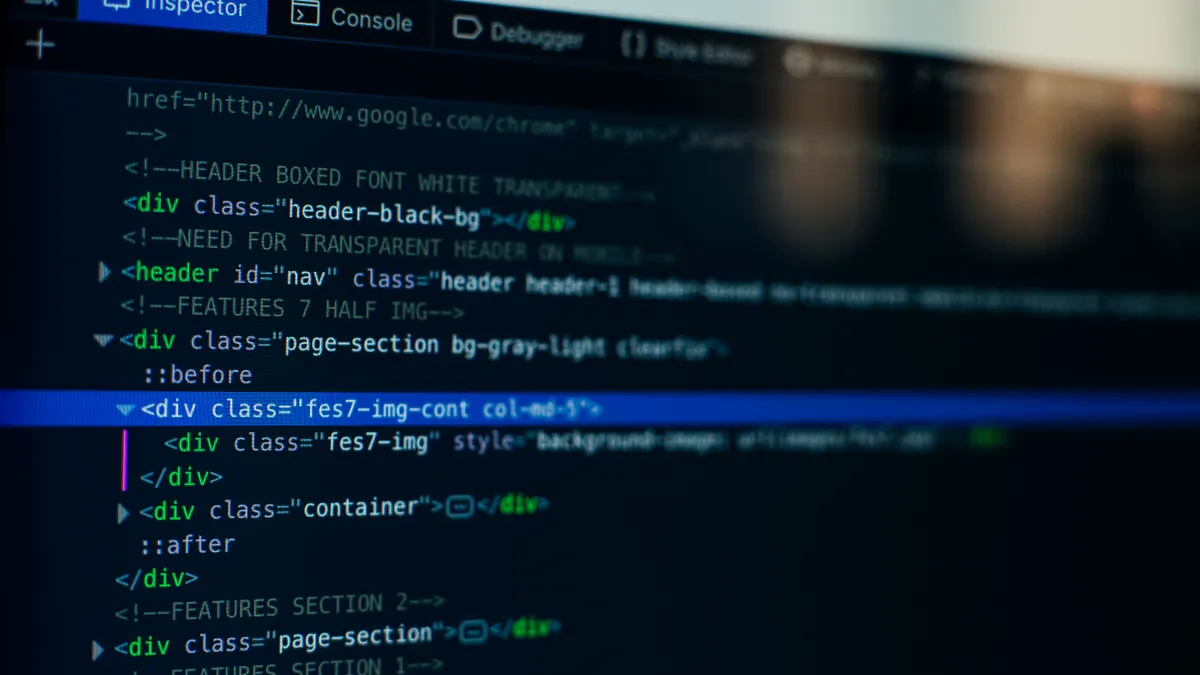
- rendered DOM after scripts run
- visible content after user interaction, if any is required
If the main text appears only after clicking, scrolling, accepting a cookie banner, or waiting for a second API call, the page is harder to crawl. The more steps between the URL and the answer, the more likely a bot will miss something.
Signs JavaScript is creating a crawl problem
- the raw HTML contains only a placeholder
- headings or paragraphs are injected late
- the main content depends on
fetch()or API calls - important text appears only after user action
- scripts fail when third-party resources are blocked
A simple browser view can hide this. A crawler may not wait as long as a human, and it may not simulate every click. That means a page can “work” and still fail the crawlability check.
What to do with the result
If the rendered DOM contains the full answer text, the page is at least visible in a render-based check. If it does not, the page likely needs server-side rendering, pre-rendering, or a less script-heavy delivery path.
That is the part many generic articles skip. They stop at “check robots.txt” and leave out rendering altogether. For AI answer engines, that omission is expensive.
What blocks AI answer engines from seeing content?
AI answer engines are blocked by anything that prevents fetching, rendering, or reading the main content: access restrictions, bad status codes, blocked resources, and pages that hide the answer behind scripts or login gates. The exact blocker matters because the fix is different for each one.
Picture this: the page is public in theory, but in practice the bot hits a wall. That wall might be a paywall, a consent screen, a geo restriction, a broken script, or a template that strips the text from the HTML.
Common blockers include:
- authentication walls that require a session
- 403 or 401 responses
- redirect loops that never settle on the content
noindexmeta tags- blocked CSS or JavaScript files
- content loaded only after client-side rendering
- popup layers that prevent access to the main text
- WAF or bot protection that treats crawlers like attackers
One easy miss is blocked resources. A crawler can fetch the page and still fail to assemble it if the CSS or script files are blocked in robots.txt or by the server. That can break layout, hide text, or stop script execution.
A practical triage list
- If the page returns 403: check access rules and bot filtering.
- If the page returns 200 but is blank in source: check rendering.
- If the page is visible in source but not in render: check scripts and blocked assets.
- If the page is present but tagged
noindex: check the template and head tags. - If the page needs a login: decide whether it should be public at all.
The best part? You can usually tell which layer is broken in under an hour with the right tools. The worst part is when the page looks fine to humans, so nobody looks deeper.
A simple crawlability checklist for one page
A page is crawlable when it passes a short checklist at the URL, response, HTML, and render layers. Use this as your final pass before you assume an AI answer engine can see it.
Picture this: you’ve fixed the obvious issue, but you still want proof that the page is ready. A checklist keeps you from stopping at the first green light.
Use this sequence:
| Check | What to confirm | Good sign | Bad sign |
|---|---|---|---|
| URL access | The page loads without login | 200 response | 401, 403, redirect to gate |
| Redirects | Final URL is the real content page | 0-1 harmless redirects | Loop or detour |
| robots.txt | Path is not disallowed | Allowed path | Disallowed path |
| Meta robots | No accidental noindex |
Indexable directive | noindex |
| Raw HTML | Main text is present in source | Content appears in source | Empty shell HTML |
| Rendering | Rendered page shows the same content | Text visible after scripts | Missing text in render |
| Resources | CSS and JS can load | Assets return cleanly | Blocked files |
If one of these fails, the page is not fully crawlable in the way you want. Fix the failing layer first, then retest. That sequence is better than rewriting content blindly.
This is also where a lot of pages fail.
Drafted with AI; not yet reviewed by a person.